


HD Camera
4.5372.00 Reviews
App Specs
- Version
- 1.8.1
- Updated On
- License
- Free
- Downloads
- 10,000,000+
- Developer
- CALLERSHOW
- Categories
- Tools
- Platform
- Android, iOS
Screenshots
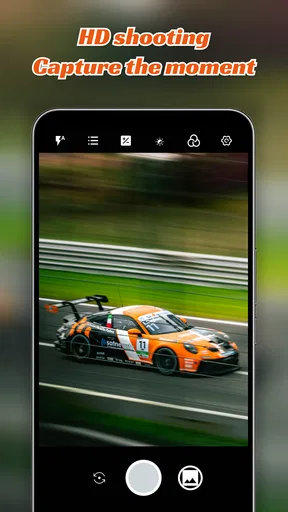
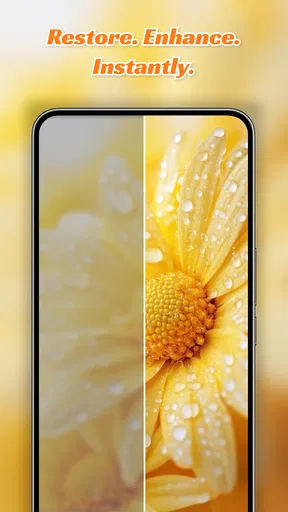
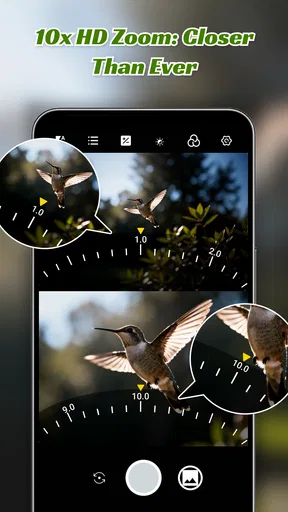
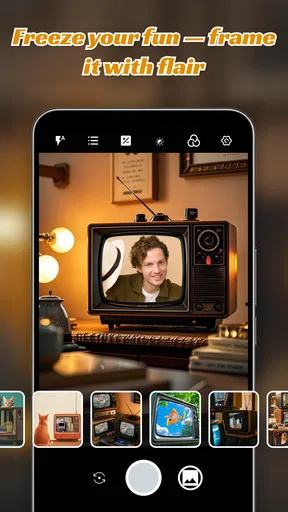
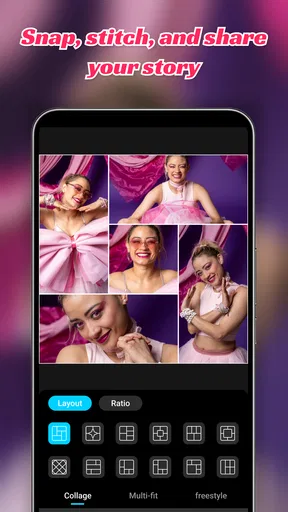
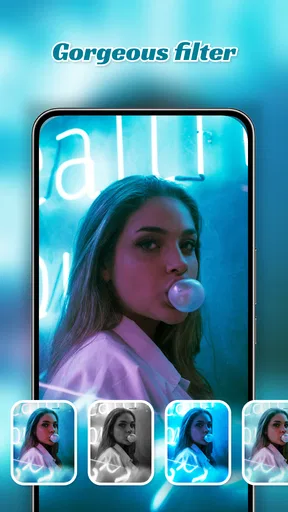
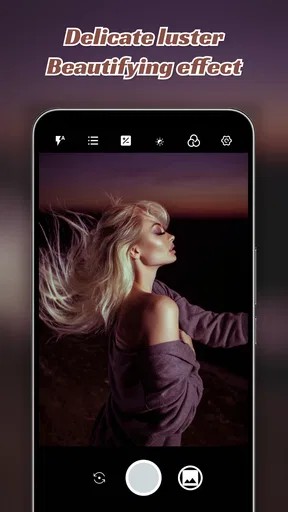
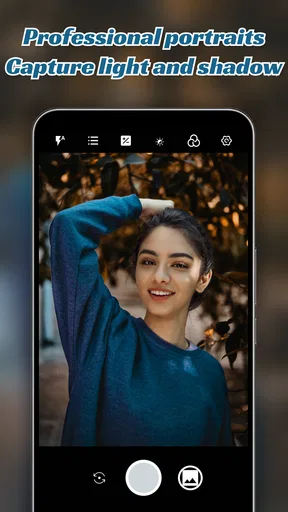
 Analysis by AppCompare
I think the most useful way to judge HD Camera is to ask a simple question: does a separate camera app make taking an everyday photo feel more manageable? Its central appeal is the promise of clearer, more deliberate shots, without asking you to carry a dedicated camera. That can be handy when you want to frame a scene carefully rather than open your phone and tap the shutter without thinking.
HD Camera is a free photography tool from CALLERSHOW. It has an average rating of 4.5 from around 45,000 ratings, and it has been installed over 10 million times. The app is rated for everyone, so it is aimed at a broad audience rather than a specialist group. Those figures suggest plenty of people have tried it, but the better test is whether its approach suits the way you actually take pictures.
The appeal of a more deliberate camera
A camera app earns its place when it helps me make a decision at the moment of capture. With HD Camera, the idea is to have a photography-focused tool ready for occasions when I want to pay attention to the shot: a family gathering, a view from a walk, or a small detail I might otherwise miss. The main benefit is not that every photo will automatically look professional. It is having a camera-oriented space in which I can think about the image before taking it.
That distinction matters because the built-in camera on a phone is already convenient, and often perfectly good for quick snapshots. I would reach for HD Camera when I want a more considered process, not because I expect an app alone to overcome every limitation of the phone’s lens, sensor, or lighting. A more involved camera interface can help you make choices, but it cannot make a difficult scene easy by itself.
How it fits into a real routine
For an everyday outing, I would keep the workflow simple: open the app before the moment arrives, check the framing, and take a test shot if the light or subject is tricky. That small pause can prevent the common mistake of taking several pictures from too far away or with distracting objects at the edges. If you are photographing something that will not wait, such as a child blowing out candles, speed matters more than exploring every control; for a still subject, slowing down can be worthwhile.
A useful habit is to change only one setting at a time when you are learning. If a picture looks too bright or too dim, adjust exposure and take another shot before changing anything else. This makes it easier to understand what affected the result. The same practical approach helps with color: if indoor lighting makes a scene look unnatural, try a white-balance adjustment if that control is available in your version, then compare the images in the same light rather than relying on memory.
What to expect from the experience
HD Camera is listed as version 1.8.1 and requires Android 7.0 or later. It was released on June 12, 2024. I would check that the phone meets the Android requirement before planning to use it, especially on an older device. The app’s name and purpose make its role clear: it is a camera tool, not a photo editor or a replacement for a dedicated camera body.
Worth Reading Before You Choose

EA SPORTS FC Mobile 26 Is a Bigger Football Game, but It Takes Time

Flipboard Shows What News Apps Must Do Beyond the Feed

Switching to Android Auto Means Rethinking Your Driving Routine

Google Calendar Makes a Crowded Week Easier to Manage

Ludo King Makes the Most of the Minutes Between Plans

Baby Panda World Brings Quick Play to Modern Phones, but Its Game Library Feels Busy
It also helps to think about what happens after the shutter press. If you need to crop, organize, or share a photo, your usual gallery or editing app may still be part of the routine. I would take a moment to check the saved image before leaving a special event, particularly if the subject was moving or the light was uneven. A quick review is more useful than assuming that a new camera interface guarantees the shot came out as intended.
Where it sits beside the usual alternatives
Compared with the camera app already on your phone, HD Camera is worth considering if you want a separate place to approach photography more intentionally. The built-in option is often the easier choice for a fast, casual snapshot because it is already familiar. A dedicated camera app makes more sense when you are willing to pause, inspect the scene, and learn how its controls affect the photo.
Compared with carrying a standalone camera, the phone-based approach wins on convenience: it keeps the camera with the device you already bring along. A dedicated camera remains the better choice when your work depends on specialized equipment or a carefully controlled setup. I would not choose a phone app for a demanding assignment simply because it has a photography-focused name. The right tool depends on the shot, the device, and how much control you need.
Who is likely to enjoy it
I can see HD Camera suiting someone who takes plenty of phone photos and wants to become more attentive to framing and light without making photography a complicated hobby. It may also suit a parent or traveler who wants a camera-oriented app ready for ordinary moments, provided they have time to open it and check the scene. If you mostly snap and share immediately, the phone’s built-in camera may be all you need.
I would skip it if you expect the app to rescue blurry movement, poor lighting, or the limits of an older phone on its own. It is also not the obvious choice for someone who wants editing and organization in the same step; a camera tool and an editing workflow solve different problems. Before relying on it for an important occasion, try it in familiar conditions and make sure you are comfortable finding the controls you actually plan to use.
One practical test is to photograph the same still subject with your regular camera app and HD Camera, then compare the framing, color, and ease of use. Do this in daylight first, when it is easier to see whether the difference comes from your choices or the lighting. Then try an indoor scene. This gives you a grounded answer about whether a separate app fits your habits, instead of judging it by a feature list.
Why HD Camera Stands Out
First off, let me just say, the HD Camera app does a stellar job at making high-quality photography accessible to everyone. With a user-friendly interface, it’s easy to navigate even if you’re not a tech whiz. You don’t need to be a seasoned photographer to enjoy its features, which is a huge plus in my book.
So, what makes this app so special? It’s all about the features. The app comes loaded with manual controls that let you tweak ISO, exposure, and white balance. You also get a variety of shooting modes like panorama, night mode, and even a pro mode for when you’re feeling artsy. In essence, it’s like having a mini studio right in your pocket.
Shooting Modes Galore
When it comes to versatility, the shooting modes are where this app shines. Whether you’re capturing the bustling cityscape or the serene beauty of nature, there’s a mode for every occasion. The panorama mode, for instance, makes it incredibly easy to capture wide landscapes without missing any detail.
For low-light enthusiasts, the night mode is a game-changer. It enhances light capture without the annoying graininess that usually plagues night-time photos. You’ll be snapping Instagram-worthy shots in no time.
Manual Control for the Pros
If you’re someone who likes to have complete control over your shots, you’ll love the manual settings. Adjusting the ISO can make a tremendous difference in your photos, especially when you’re shooting in challenging lighting conditions. The exposure settings allow you to dictate how light or dark you want your images, offering a level of customization not found in many standard camera apps.
White balance settings help you get the colors just right, ensuring that your images look natural and true to life. These features make it feel like you’re using a high-end camera rather than a smartphone.
User Experience and Interface
Let’s talk about the interface. The HD Camera app boasts a clean and intuitive layout that’s straightforward to navigate. Everything you need is just a tap away, and the learning curve is minimal. The app’s design ensures that you spend more time capturing memories and less time fumbling with settings.
Another bonus is the app’s speed. It launches quickly, so you won’t miss those spontaneous moments. This is especially handy for street photographers who need to capture scenes as they unfold in real-time.
What’s the Catch?
Now, no app is perfect, and HD Camera is no exception. While the app performs remarkably well, it does come with ads unless you opt for the premium version. The ads aren’t overly intrusive, but if you’re someone who prefers an uninterrupted experience, it might be worth considering the upgrade.
Another thing to note is that while the app offers a range of features, it might be a bit overwhelming for complete beginners. But hey, a little bit of practice and you’ll be snapping like a pro in no time.
Final Thoughts
All in all, the HD Camera app is a fantastic tool for anyone looking to up their photography game without investing in expensive gear. It’s versatile, user-friendly, and packed with features that make shooting high-quality photos a breeze. Whether you’re a casual photographer or a budding professional, this app is definitely worth checking out.
So, if you’re ready to take your photos from meh to magnificent, why not give the HD Camera app a spin? With just a few taps, you’ll be capturing memories in stunning clarity. Go ahead, download it today, and let your creativity shine!
Pros
- High-resolution image capture.
- User-friendly interface.
- Multiple shooting modes.
- Quick sharing options.
- Advanced editing tools.
Cons
- Large app size.
- Consumes high battery.
- Limited cloud storage.
- Occasional ads.
- Requires high RAM.
FAQs for HD Camera
What features does the HD Camera app offer?
The HD Camera app provides a range of features including high-resolution photo and video capture, various shooting modes (such as portrait, landscape, and night mode), advanced zoom capabilities, and built-in filters. It also includes tools for manual focus, exposure, and white balance adjustments, making it suitable for both casual users and photography enthusiasts.
Is the HD Camera app free to use?
Yes, the HD Camera app is free to download and use. However, it may offer in-app purchases or a premium version that unlocks additional features such as advanced editing tools or ad-free experience. Be sure to review any additional costs in the app store before downloading.
What are the system requirements for the HD Camera app?
The HD Camera app typically requires Android 5.0 or iOS 10.0 and above, ensuring compatibility with most modern devices. For optimal performance, ensure your device has sufficient storage and processing power to handle high-resolution media. Check the app store listing for any specific device compatibility details.
Does the HD Camera app support external accessories?
Yes, the HD Camera app often supports external accessories like tripods, external lenses, and Bluetooth remote shutters to enhance your photography experience. These accessories can help stabilize shots, provide additional zoom capabilities, and allow for remote operation, making it easier to capture high-quality images.
How does the HD Camera app handle privacy and data security?
The HD Camera app is designed with user privacy in mind. It requires access to your device’s camera and storage, but it does not collect personal data without consent. Always review the app’s privacy policy to understand how your data is used and ensure your device settings align with your privacy preferences.


